No endpoint installation
The add-on runs within Verizon's network for qualified 5G or 4G LTE Business Internet, so there is no special security software to install on the router or every connected device.
 Business · GeorgiaTalk with the team
 Verizon · Business Internet Security for wireless business internet
Add network-based security to a qualified Verizon 5G or 4G LTE Business Internet connection—without installing special security software on the router or every connected device.

Highlights
The add-on runs within Verizon's network for qualified 5G or 4G LTE Business Internet, so there is no special security software to install on the router or every connected device.
Plus includes malicious-site blocking, anti-malware, phishing prevention and ransomware protection. Preferred adds network firewall, content filtering, specific URL allow and block controls, and setup and management support.
Use the Verizon Business Internet Portal to manage supported fixed-wireless connections, view security reports and configure Preferred controls such as content filtering.
A closer look
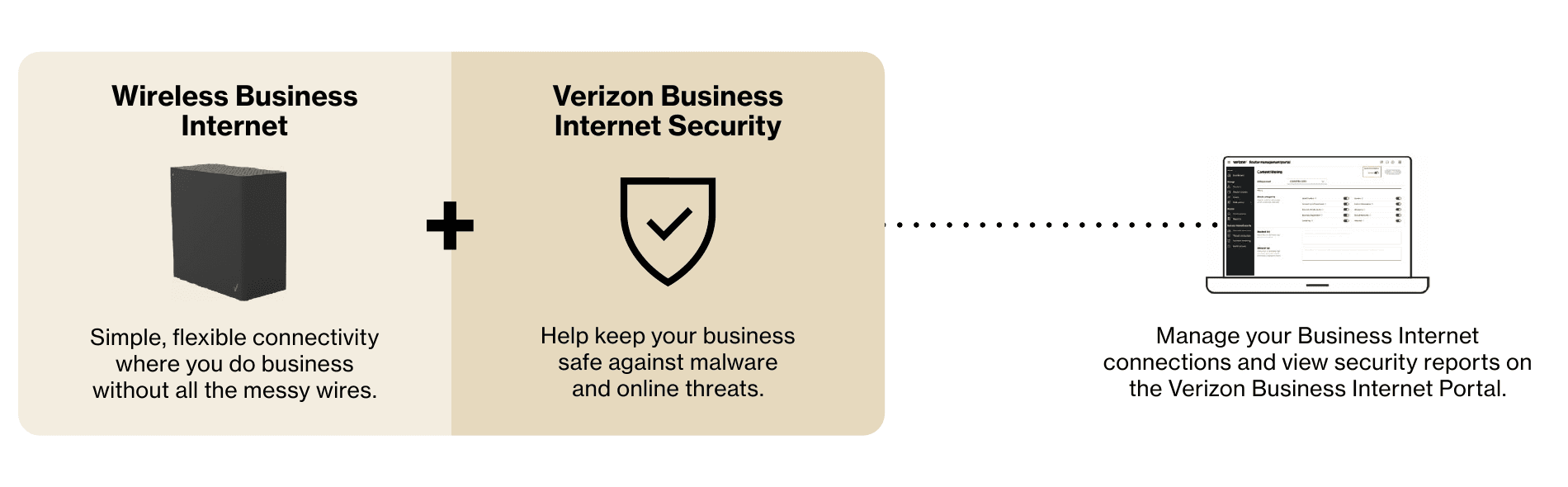
The add-on runs within Verizon's network for qualified 5G or 4G LTE Business Internet, so there is no special security software to install on the router or every connected device.
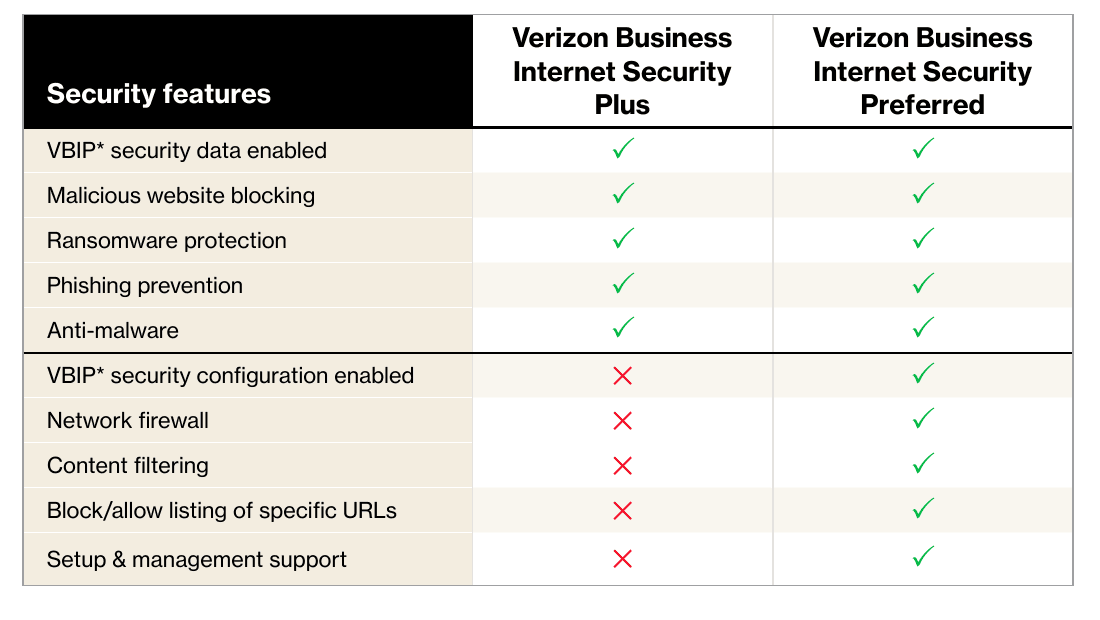
Plus includes malicious-site blocking, anti-malware, phishing prevention and ransomware protection. Preferred adds network firewall, content filtering, specific URL allow and block controls, and setup and management support.
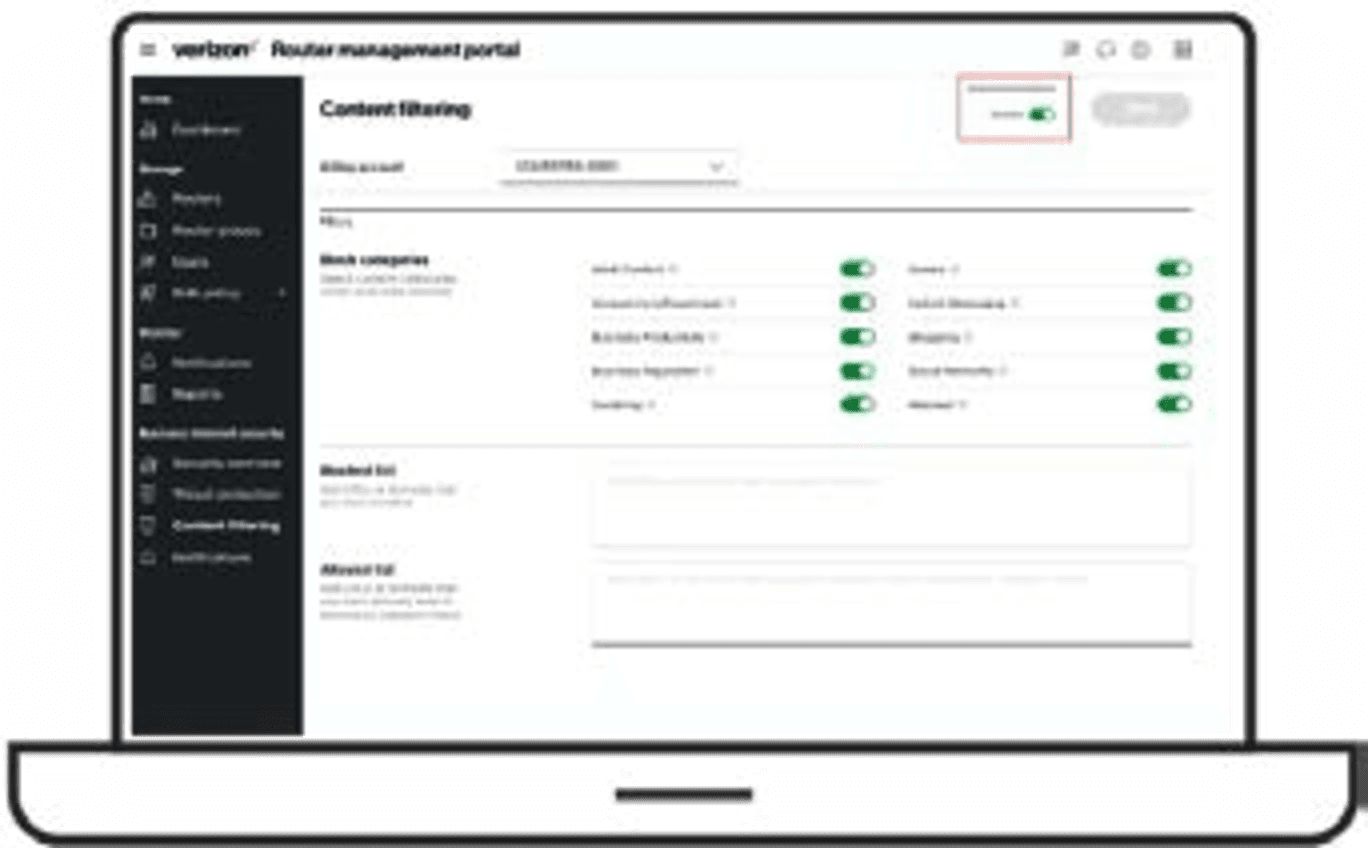
Use the Verizon Business Internet Portal to manage supported fixed-wireless connections, view security reports and configure Preferred controls such as content filtering.

Add network-based protection to a qualified fixed-wireless connection used for plans, cloud systems and field coordination, then match the tier to the controls the project actually needs.
Business applications
Add network-based protection to a qualified fixed-wireless connection used for plans, cloud systems and field coordination, then match the tier to the controls the project actually needs.
Help block malicious sites and infected downloads on a qualified 5G or LTE branch connection without installing a separate security client on each point-of-sale or staff device.
Keep eligible fixed-wireless connections and security controls visible through the Business Internet Portal while the local team retains a documented owner for policy changes and incident response.
Specifications
Verizon Business in Georgia